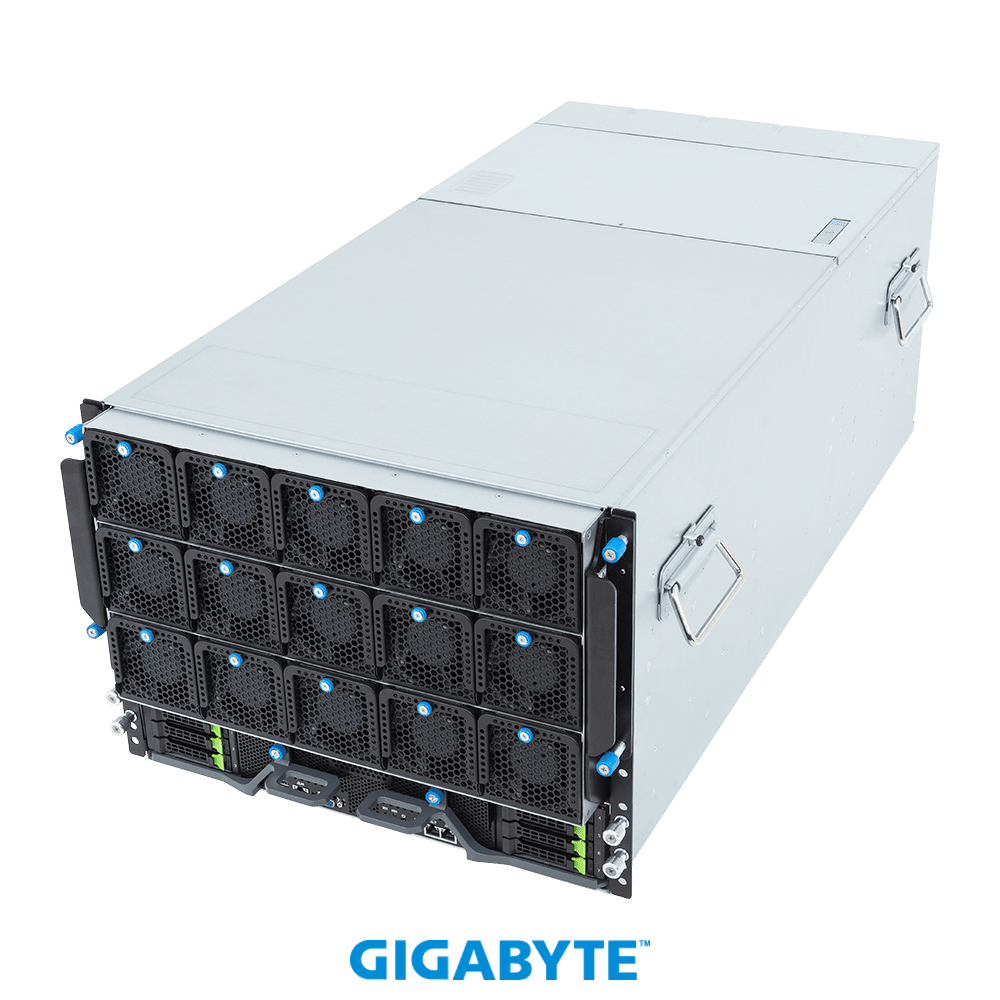
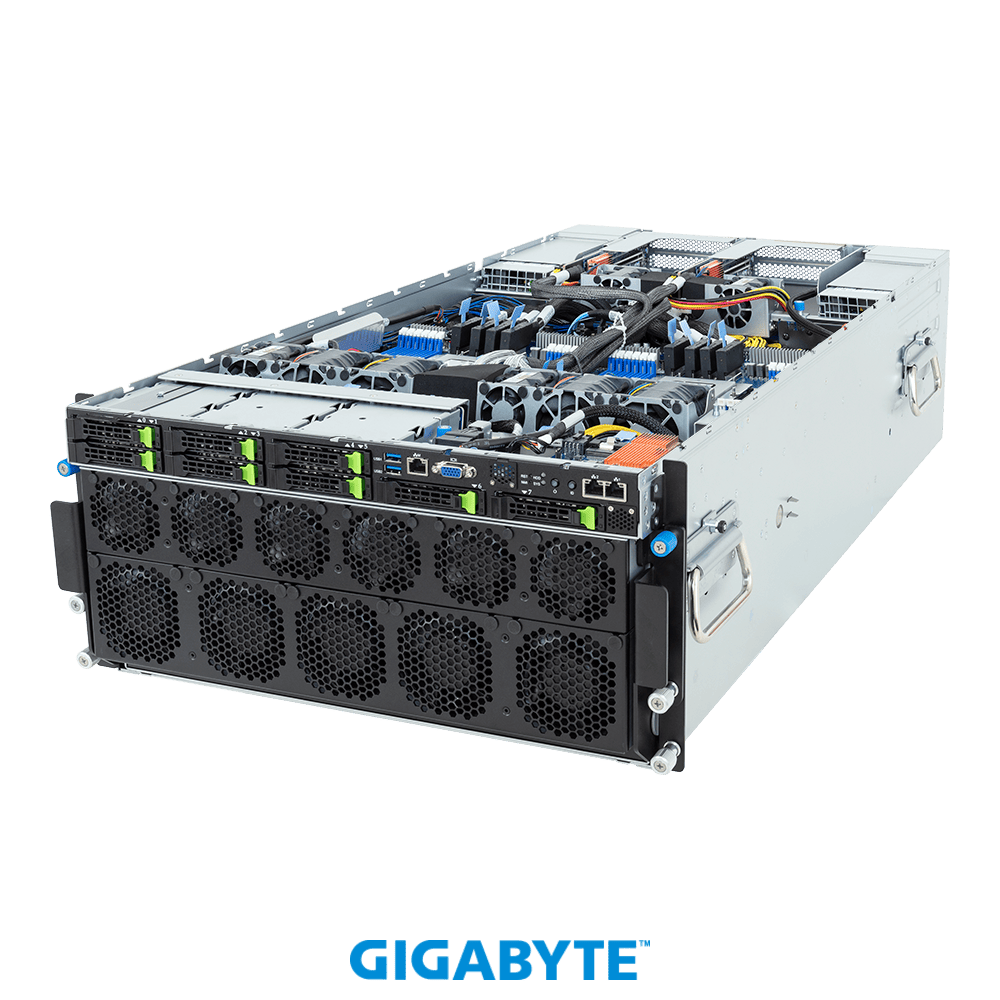
NVIDIA HGX B200 (Blackwell) 8-GPU servers bring a major leap in memory and NVLink bandwidth over HGX H200 (Hopper) systems. For frontier-scale AI training, the platform you choose shapes how big a model you can train.
We compare the two 8-GPU platforms on total HBM, interconnect, ideal workloads and availability.
Key differences at a glance
- Spec (8-GPU)HGX B200HGX H200GPU architecture: HGX B200, Blackwell; HGX H200, Hopper
- Total HBM: HGX B200, ~1,440GB HBM3e; HGX H200, ~1,128GB HBM3e
- NVLink: HGX B200, 1.8 TB/s/GPU; HGX H200, 900 GB/s/GPU
- Best for: HGX B200, Frontier LLM training; HGX H200, LLM training & inference
Specifications at a glance
| Spec (8-GPU) | HGX B200 | HGX H200 |
|---|---|---|
| GPU architecture | Blackwell | Hopper |
| Total HBM | ~1,440GB HBM3e | ~1,128GB HBM3e |
| NVLink | 1.8 TB/s/GPU | 900 GB/s/GPU |
| Best for | Frontier LLM training | LLM training & inference |
Why B200 pulls ahead
HGX B200 roughly doubles per-GPU NVLink bandwidth and increases total HBM, which accelerates trillion-parameter training and large-batch inference. It is the platform for frontier-scale models.
When H200 is enough
HGX H200 8-GPU systems remain excellent and more available for most production training and inference, with 1,128GB of HBM3e across the baseboard.
Verdict: which should you buy?
Choose HGX B200 for the largest training runs and maximum interconnect bandwidth. HGX H200 is the pragmatic, widely available choice for most enterprise AI workloads today.
Total cost, availability and support
Raw benchmarks are only half the story. Street prices, stock levels and lead times for HGX B200 and HGX H200 swing widely with demand and region, and warranty and after-sales support differ from one seller to the next. On GPU Vendors you can compare verified vendors side by side, see transparent pricing and lead times, and buy direct, which often matters more to total cost of ownership than a few percentage points of raw performance.
Which one is right for you?
If your workloads and budget are still growing, favour the option with more memory and longer headroom so you are not forced to upgrade again within a year. If you have a fixed, well-understood workload, the more affordable choice frequently delivers the best value per dollar. Model both against your real requirements, resolution and frame-rate targets for gaming, or model size, batch size and context length for AI, before you commit.
Frequently asked questions
Is HGX B200 worth it over HGX H200?
It depends on your workload and budget. If you regularly hit the limits of HGX H200, whether that is memory capacity, bandwidth or raw throughput, then HGX B200 pays for itself in headroom and longevity. If HGX H200 already covers your needs comfortably, the upgrade is harder to justify on performance alone.
Will HGX H200 still be supported?
Yes. Both options continue to receive driver and software support, so HGX H200 remains a viable choice and is often the better value on the used and clearance market.
Where can I compare prices for HGX B200 and HGX H200?
Use the GPU Vendors comparison tool to line up full specs and live prices from verified sellers, then buy direct from the vendor with the best price and lead time.
Prices and availability change constantly. Compare live offers from verified sellers and build a side-by-side spec sheet on the GPU Vendors comparison tool.