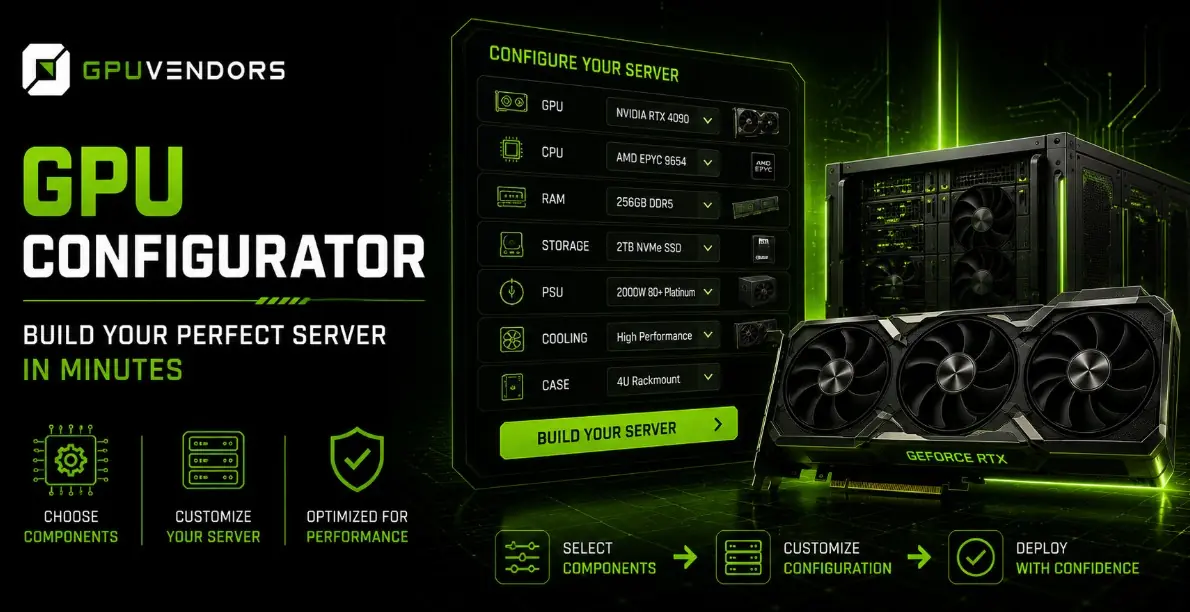
As artificial intelligence models grow larger, datasets expand exponentially, and rendering pipelines demand unprecedented computational throughput, standard off-the-shelf computers are no longer sufficient. Modern workloads require specialized, high-performance hardware architecture tailored to precise operational needs. Whether you are setting up a machine learning cluster, deploying a deep learning training node, or building a high-end rendering station, piecing together compatible components can quickly become an overwhelming puzzle of power requirements, thermal limits, and physical dimensions.
Navigating hardware compatibility issues, socket constraints, and power delivery overhead manually introduces significant risks. Choosing the wrong motherboard chipset or selecting an underpowered power supply unit can stall a project for days or lead to costly hardware failure. To eliminate this friction, utilizing a streamlined digital planning assistant ensures every component operates in absolute harmony. This guide walks you through leveraging an advanced server builder to assemble your ideal machine quickly and accurately.
The Complexity of Modern Hardware Sourcing
Assembling a enterprise-grade server or a dense workstation involves balancing dozens of interdependent variables. A powerful graphics card requires robust PCIe lane distribution, substantial cooling headroom, and clean, uninterrupted electrical current. If you upgrade your processing power without simultaneously evaluating power supply capacity or chassis airflow, your system will rapidly encounter thermal throttling or unexpected shutdowns under heavy multi-node loads.
Furthermore, acquiring authentic, reliable components at transparent prices can be a challenge in a volatile global hardware market. Ensuring that your foundational parts come from trusted sources protects your capital investment. Buyers often look to structured guides like
Step-by-Step Guide to Using the Server Configurator
Our interactive platform is engineered to remove the guesswork from hardware procurement, guiding you through a logical, step-by-step assembly process. To get started, navigate directly to the
Define Your Primary Workload: Begin by identifying your core operational requirements. Are you focusing on heavy neural network training, real-time video rendering, or high-density data processing? Clarifying your use case establishes the baseline performance tier you will need.
Select Your Core Processing Units: Choose your central processors and matching graphics cards. The configurator automatically verifies socket compatibility and PCIe generation requirements to ensure your components communicate without latency bottlenecks.
Configure Memory and Storage Arrays: Balance your RAM density and high-speed NVMe storage drives to match your throughput expectations. The system flags any memory channel imbalances or capacity limits instantly.
Verify Power and Cooling Infrastructure: Finalize your power supply unit and cooling solutions based on calculated thermal design power metrics. The tool ensures your electrical overhead provides safe headroom for peak workloads.
By working through these sequential layers within the configurator, you eliminate human error and bypass hours of manual specification cross-referencing.
Why Automated Configuration Matters
Manual hardware specification often leads to costly mistakes, such as purchasing graphics cards that exceed physical chassis dimensions or ordering server racks that lack sufficient power distribution units. An automated configuration tool acts as a digital safeguard, cross-checking every selection against manufacturer specifications in real time.
This streamlined approach saves valuable engineering hours, letting technical teams focus on deploying applications rather than troubleshooting hardware incompatibilities. Whether you are configuring a single high-performance developer workstation or planning a multi-node server rack, having an intelligent assistant streamlines the entire workflow from concept to final order.
Securing Your Build Through Trusted Channels
Once your ideal server configuration is mapped out, the final step is procurement. Sourcing enterprise-grade hardware requires working with suppliers who prioritize transparency, verified inventory, and competitive pricing structures. Avoiding unverified third-party listings ensures your equipment arrives tested, authentic, and ready for deployment.
When you are ready to bring your configuration to life, utilizing the