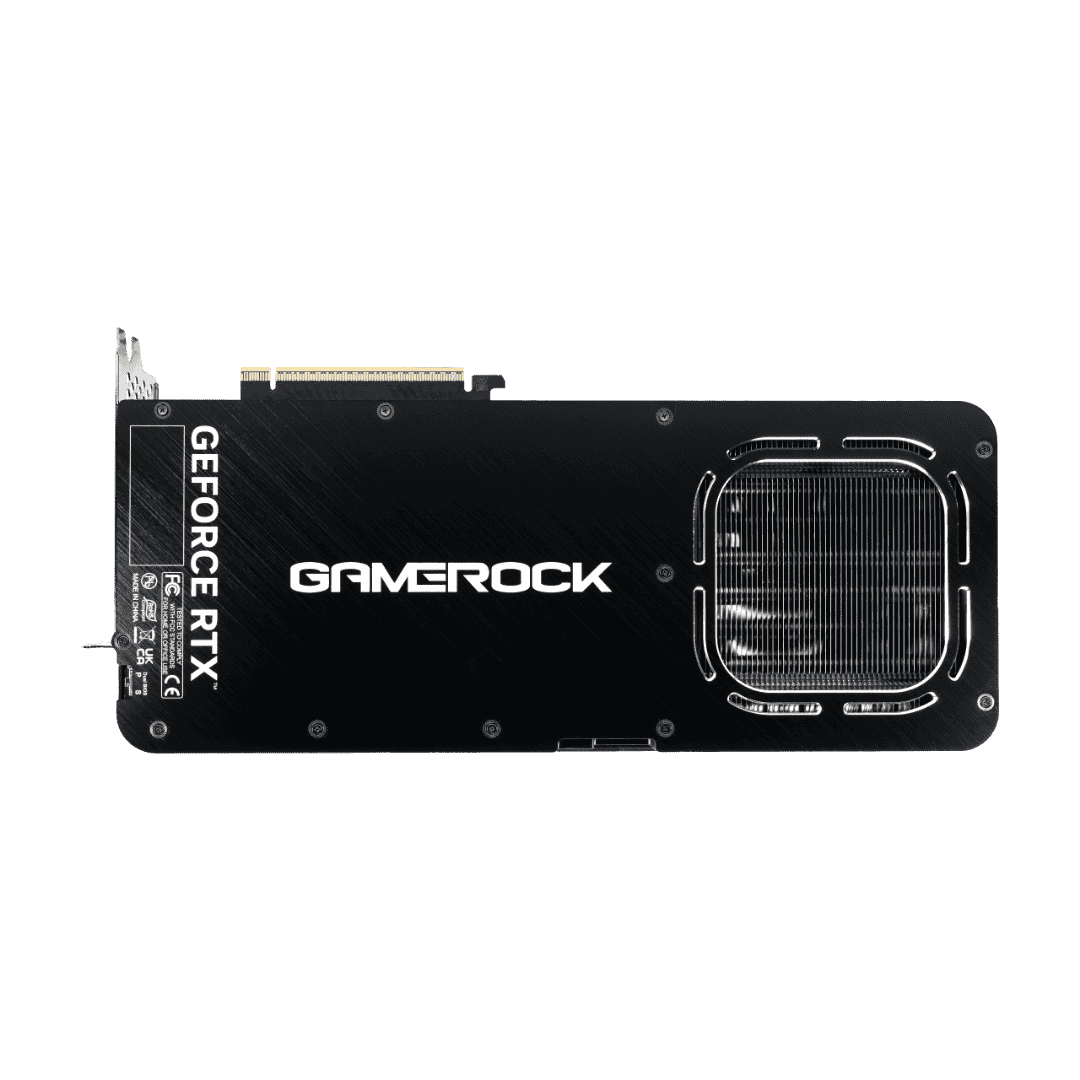
Gaming at 3840x2160 asks more of a graphics card than any other mainstream resolution. You are pushing four times the pixels of 1080p and more than twice those of 1440p, every frame, dozens of times per second. That workload stresses three things in particular: raw compute for shading all those pixels, memory capacity for holding high-resolution textures and assets, and memory bandwidth for moving that data fast enough to hit playable frame rates. In 2026 a fourth factor has become just as important as the silicon itself, which is the upscaling and frame generation software stack that sits on top of it.
If you are shopping for a 4K card today, here is the short version of what matters. You want at least 16GB of VRAM, high memory bandwidth (the flagships now measure this in terabytes per second), competent ray tracing hardware if you care about lighting-heavy titles, and a modern upscaler such as NVIDIA DLSS 4 or AMD FSR with frame generation. Get those four things right and 4K becomes comfortable rather than compromised. This guide walks through the current field from both NVIDIA and AMD, vendor-neutral, so you can match a card to your budget and your priorities.
Specs at a glance
| Card | VRAM | Memory bandwidth | TDP | Ray tracing tier | Upscaling tech | Best for |
|---|---|---|---|---|---|---|
| NVIDIA RTX 5090 | 32GB GDDR7 | ~1.79 TB/s | 575W | Top-tier (Blackwell, 4th-gen RT) | DLSS 4 + Multi Frame Gen | No-compromise 4K and path tracing |
| NVIDIA RTX 5080 | 16GB GDDR7 | ~960 GB/s | 360W | Very high (Blackwell) | DLSS 4 + Multi Frame Gen | High-end 4K at lower power than a flagship |
| NVIDIA RTX 5070 Ti | 16GB GDDR7 | ~896 GB/s | 300W | High (Blackwell) | DLSS 4 + Multi Frame Gen | Value-oriented 4K with full DLSS stack |
| AMD RX 9070 XT | 16GB GDDR6 | ~644 GB/s | 304W | High (RDNA4, greatly improved) | FSR (incl. frame generation) | Best AMD value for 4K |
| NVIDIA RTX 4090 | 24GB GDDR6X | ~1.0 TB/s | 450W | High (Ada, 3rd-gen RT) | DLSS (frame gen; not full DLSS 4 feature set) | Proven high-end 4K, large VRAM buffer |
A note on reading this table. Memory bandwidth scales with both the memory bus width and the memory speed, which is why the RTX 5090 with its wide 512-bit bus and GDDR7 sits so far ahead of everything else, while the 256-bit cards cluster closer together. VRAM capacity and bandwidth are related but separate concerns, and both matter at 4K for different reasons covered below.
VRAM and why 16GB is the floor for 4K
VRAM is where your GPU stores the data it needs to render a frame: textures, geometry, shadow maps, the frame buffer itself, and increasingly the buffers used by ray tracing and upscaling. At 4K, textures are sampled at much higher resolution, so the memory cost of a given quality preset climbs sharply compared to 1440p.
Modern titles at 4K with high or ultra texture settings routinely reserve well past 10GB, and enabling ray tracing plus frame generation adds further overhead because those features keep their own buffers resident in memory. When a card runs short of VRAM, it does not simply drop a little performance. It has to swap data across the PCIe bus, which produces stutter, sudden frame time spikes, and texture pop-in that no amount of raw GPU horsepower can hide.
This is why 16GB has become the practical floor for a card you intend to keep for several years of 4K gaming. It gives you headroom for high-resolution texture packs, for the memory tax that ray tracing and frame generation impose, and for the general trend of games shipping larger assets each year. The RTX 5090 goes further with 32GB, and the outgoing RTX 4090 offers 24GB, both of which are generous for pure gaming and also useful if you dabble in local AI or content creation. For gaming specifically, 16GB is enough today, but it is genuinely the minimum you should target rather than a comfortable surplus.
Ray tracing and path tracing
Ray tracing simulates how light actually travels, producing more accurate reflections, shadows, and global illumination than traditional rasterized approximations. Path tracing is the more complete and far more demanding version, tracing many light bounces per pixel, and it is where the heaviest showcase titles now push hardware hardest.
NVIDIA has held a lead in dedicated ray tracing hardware across several generations, and the Blackwell architecture in the RTX 50 series continues that with its latest-generation RT cores. In practice this means NVIDIA cards tend to hold up better as you crank ray tracing toward path-traced extremes, and the RTX 5090 in particular is the card most comfortable running path tracing at 4K with upscaling engaged.
AMD's story is more interesting this generation than it has been in a while. RDNA4, the architecture behind the RX 9070 XT, brings a substantial improvement in ray tracing throughput over the previous RDNA generation, closing much of the gap that used to make AMD a hard sell for RT-heavy players. It is fair to say NVIDIA still leads at the very top of the ray tracing curve, especially in path-traced titles, but AMD is now competitive enough that ray tracing alone is no longer a reason to dismiss the RX 9070 XT for 4K.
Upscaling and frame generation (DLSS 4 vs FSR)
Upscaling has quietly rewritten the rules of 4K gaming. Instead of rendering every one of those 8.3 million pixels natively, the GPU renders at a lower internal resolution and reconstructs a sharp 4K image using AI. Done well, the result is close to native quality at a fraction of the rendering cost, which is exactly what a pixel-hungry resolution like 4K needs.
NVIDIA's DLSS 4 is the current high-water mark on the RTX 50 series. It pairs high-quality image reconstruction with Multi Frame Generation, which can insert multiple generated frames between rendered ones to lift perceived smoothness dramatically. Frame generation is best understood as a smoothness multiplier rather than a substitute for base performance, since it works best when your underlying frame rate is already reasonable and it does add a small amount of latency, but at 4K it is a genuine game-changer for hitting high-refresh targets.
AMD's FSR is the vendor-neutral counterpart and has matured considerably, with its own frame generation support and broad game compatibility. The practical takeaway is this. Both NVIDIA and AMD can now get you to comfortably above 60fps at 4K in most demanding titles with upscaling enabled, and often much higher with frame generation. NVIDIA's stack is generally regarded as the more refined and widely adopted of the two, while AMD's is competitive and improving, which factors into the overall value comparison rather than being a deal-breaker either way.
Performance tiers
Flagship: RTX 5090. This is the fastest gaming GPU you can buy in 2026 and it is not especially close. The combination of 32GB of GDDR7, roughly 1.79 TB/s of bandwidth, and top-tier Blackwell RT hardware makes it the only card that shrugs off native 4K in most titles and handles path tracing at 4K with upscaling without drama. It also draws the most power and commands the highest price, so it is aimed squarely at players who want zero compromises.
High-end: RTX 5080 and RTX 4090. These sit a clear step below the 5090 but comfortably above everything else. The RTX 5080 is the current-generation high-end option with 16GB and DLSS 4 Multi Frame Generation, delivering excellent 4K performance at a notably lower power draw than the flagship. The RTX 4090, though a previous-generation Ada card, remains a formidable 4K performer with a larger 24GB buffer and roughly 1 TB/s of bandwidth. It does not offer the full DLSS 4 feature set that the 50 series does, but its raw capability keeps it firmly in the high-end conversation.
Value 4K: RTX 5070 Ti and RX 9070 XT. This is the sweet spot for most 4K buyers. Both cards carry 16GB of VRAM and sit around 300W, and both can deliver a strong 4K experience once upscaling is enabled, comfortably clearing 60fps in most titles and pushing well beyond that with frame generation. The RTX 5070 Ti brings the full DLSS 4 stack and stronger ray tracing, while the RX 9070 XT counters with RDNA4's much-improved RT and typically aggressive AMD pricing. Positioned honestly, these are the cards that make 4K affordable rather than aspirational.
Power and PSU requirements
Power draw scales with performance, and the flagship tier is genuinely thirsty. Use these TDP figures as your starting point and size the power supply with headroom for transient spikes, which modern high-end GPUs are known for.
- RTX 5090 (575W): Plan for a high-quality 1000W to 1200W PSU. This card benefits from a robust unit with the current 12V-2x6 / 12VHPWR connector, and cutting it close on wattage is a false economy at this tier.
- RTX 4090 (450W): A solid 850W to 1000W PSU is the sensible range, leaning toward 1000W for high-end CPUs and overclocking headroom.
- RTX 5080 (360W): An 850W PSU is a comfortable target for a full system.
- RTX 5070 Ti (300W) and RX 9070 XT (304W): A quality 750W to 850W unit covers these cards well in a typical build.
Whatever the tier, favor a reputable PSU with the right connectors over squeezing into the minimum rating. Clean, stable power is cheap insurance for expensive hardware.
Price and value
Pricing shifts constantly with availability, region, and demand, so rather than quote figures that go stale, here is how the tiers stack up in value terms. The RTX 5090 is a halo product where you pay a steep premium for the last increment of performance and the 32GB buffer, which makes sense for enthusiasts chasing native 4K and path tracing, and less sense for everyone else. The high-end 5080 and 4090 offer strong 4K without the flagship surcharge.
The most compelling value lives in the 5070 Ti and 9070 XT tier. Between the two, NVIDIA's advantages are the more mature DLSS 4 ecosystem and stronger ray tracing, while AMD's advantage tends to be price per frame in rasterized and lightly-ray-traced workloads, often undercutting the comparable NVIDIA card. If you weight ray tracing and upscaling polish heavily, the NVIDIA option earns its premium. If you want the most raw 4K performance for your money and can live with a slightly less established software stack, the AMD card is frequently the better buy. Because street prices move, always compare current listings before committing.
Recommendations by budget
- Best overall: RTX 5090. If budget is not the deciding factor and you want the single best 4K and path-tracing experience available, nothing else comes close. Just budget for the power and cooling it demands.
- Best value: RTX 5070 Ti. It brings the complete DLSS 4 feature set, capable Blackwell ray tracing, and 16GB of VRAM at a far more reasonable place on the price curve, making it the smart default for most 4K gamers.
- Best AMD pick: RX 9070 XT. RDNA4's improved ray tracing, 16GB of VRAM, and typically aggressive pricing make it the strongest AMD choice for 4K and a direct value rival to the 5070 Ti.
- Best high-end alternative: RTX 5080 for current-gen efficiency and the full DLSS 4 stack, or a well-priced RTX 4090 if you value its 24GB buffer and proven raw performance.
Compare live prices from verified vendors
Prices move daily, so check current listings from verified sellers before you buy:
- NVIDIA GeForce RTX 5090 32GB
- NVIDIA GeForce RTX 4090
- AMD Radeon RX 9070 XT
- Browse the full range of gaming GPUs.
FAQ
Is 16GB of VRAM enough for 4K in 2026? Yes, 16GB is enough for 4K today, but treat it as the floor rather than a luxury. It covers high-resolution textures plus the memory overhead of ray tracing and frame generation with reasonable headroom. If you want a larger buffer for longevity, content creation, or local AI work, the 24GB RTX 4090 or 32GB RTX 5090 provide it.
RTX 5090 vs RTX 4090, which should I buy? The RTX 5090 is the faster card by a wide margin, with more VRAM (32GB versus 24GB), far higher bandwidth, newer Blackwell ray tracing, and the full DLSS 4 Multi Frame Generation feature set. The RTX 4090 remains an excellent 4K performer and its 24GB buffer is generous. Choose the 5090 if you want maximum performance and the latest features, and consider the 4090 if it is available at a meaningfully better price and you do not need the newest DLSS stack.
Do I actually need DLSS or FSR for 4K? For the flagship tier you can often play natively, but for every other card, upscaling is what turns 4K from demanding into comfortable. Both DLSS 4 and FSR reconstruct a sharp 4K image from a lower render resolution with minimal quality loss, and frame generation layers on extra smoothness. In short, you do not strictly need it on a 5090, but you will want it on most cards, and it is one of the biggest reasons 4K is so accessible now.
What is the best value 4K graphics card? The RTX 5070 Ti and RX 9070 XT are the standout value picks. Both offer 16GB of VRAM and deliver a strong 4K experience with upscaling. The 5070 Ti leads on ray tracing and DLSS 4 polish, while the 9070 XT often wins on raw price per frame. Compare current prices between them, since that gap frequently decides the winner.
What PSU do I need for an RTX 5090? Plan for a high-quality 1000W to 1200W power supply with the appropriate 12V-2x6 / 12VHPWR connector. The card's 575W TDP and transient power spikes make generous headroom important, so do not cut it close at this tier.
Is AMD competitive with NVIDIA for 4K ray tracing now? More than before. RDNA4 in the RX 9070 XT delivers a large improvement in ray tracing over the prior AMD generation, making it genuinely viable for 4K ray tracing. NVIDIA still leads at the extreme end, particularly in path-traced titles, but ray tracing is no longer a reason to rule AMD out for 4K.