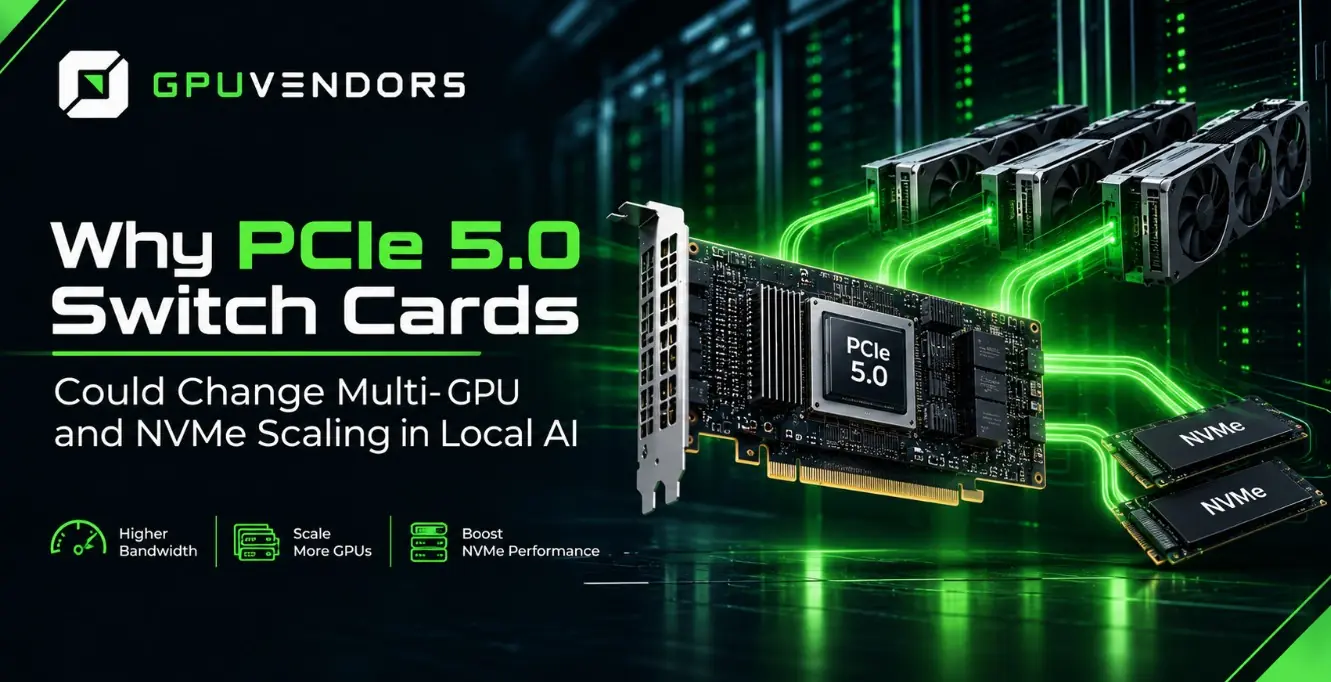
A single x16 slot can now feed several GPUs or drives, but shared bandwidth sets the limit
Builders of local AI rigs have long run into the same wall. A standard desktop motherboard offers a handful of full-speed PCIe slots, and splitting one x16 slot into smaller lanes, called bifurcation, depends on board support. A new class of expansion card aims to remove that constraint. Wccftech reported on November 27, 2026, that LR-LINK's LRSV9500-4I uses a PCIe 5.0 switch to connect up to four graphics cards through one x16 slot. The approach is interesting for local AI, but it comes with a trade-off that buyers should understand before they build around it.
How a PCIe 5.0 switch card works
Rather than relying on the motherboard to split lanes, the card places a switch between the host and its devices. According to the article, the LRSV9500-4I is built around Broadcom's PEX89048, a 48-lane PCIe 5.0 switch with a rated latency of 115 nanoseconds. Sixteen lanes run upstream to the host. The remaining 32 lanes run downstream through four MCIO 8i connectors, and the switch handles the lane distribution onboard.
That design is the reason the card works without bifurcation support. The motherboard sees one device, and the switch presents multiple downstream devices to the system. For a builder with a single full-speed slot and no bifurcation option, this is the main appeal.
The supported configurations
The manufacturer lists three configurations. The card can run four PCIe 5.0 x8 links for four graphics cards, two PCIe 5.0 x16 links for two graphics cards, or eight PCIe 5.0 x4 links for eight NVMe SSDs. The article states that each Gen5 x8 link offers about 32 GB/s of theoretical bandwidth per direction, a figure it equates to a full PCIe 4.0 x16 connection.
Those numbers describe each downstream link, not the whole system. A builder planning around four GPUs or eight drives should look at the total path, because every device shares the same upstream connection.
Where the bottleneck sits
All downstream devices share one PCIe 5.0 x16 upstream link to the host. That caps combined traffic to the host at about 64 GB/s per direction, according to the article. For work that stays inside GPU memory, the cap matters less. The article notes that inference with model weights resident in VRAM is less affected, while communication-heavy workloads such as some tensor-parallel inference and AI training may hit the limit sooner.
This is the central trade-off. Four cards can each look fast on paper and still compete for the same upstream path when they exchange data. Before buying, identify whether your workload moves large amounts of data between GPUs or mostly runs each model on a single card or within VRAM.
Peer-to-peer limits on consumer GPUs
Another point from the reporting concerns peer-to-peer transfers. The article states that the switch "doesn't magically enable direct peer-to-peer (P2P) communication on consumer graphics cards." Driver-level restrictions on consumer GPUs can prevent direct transfers between cards, so the data may need to route through the host instead. That adds latency and uses the shared upstream link.
Builders who expect P2P to behave the way it does on workstation or data-center hardware should verify that behavior on their own card and driver combination before committing money to a layout.
NVMe scaling for local AI storage
The NVMe side of the card addresses a different problem. Local AI workloads often need fast storage for model files, datasets, and checkpoints. Eight x4 links make it possible to attach a large array of drives through one slot, which can simplify a storage-heavy build. The same shared upstream limit applies, so sustained throughput across all drives at once will not exceed the host connection, and the array should be sized with that ceiling in mind.
Price, availability, and cheaper options
The article lists the LRSV9500-4I at $1,129 on the manufacturer's storefront, but the screenshot shows the item out of stock. It is also available through AliExpress. Wccftech suggests that cheaper PCIe 4.0 switch-based cards may suit owners of older GPUs, which is worth considering if the goal is more slots rather than maximum bandwidth.
Check stock, return terms, and the seller's warranty before ordering. A product that is out of stock on the main storefront may carry different support terms through a third-party listing.
Planning a multi-GPU build
Start with the workload. If the rig will run inference with each model fitting on one card, a switch card can be a practical way to host more GPUs without a high-end platform. If the rig will train large models or run tensor-parallel jobs, the shared upstream link may limit results, and a platform with more native lanes may be the better choice.
Power and cooling need the same attention. Four high-power cards in one case place heavy demands on the power supply, airflow, and physical clearance. Confirm each element before you commit to a layout.
For sourcing, compare configurations and specifications on the GPU vendors marketplace, and use the Compare the GPU's page to line up card specs side by side. For a buyer's guide covering AI hardware sourcing in the UAE, see Best AI Hardwares Store in the UAE.
The bottom line
A PCIe 5.0 switch card can make a single x16 slot far more useful for local AI, especially for builders without bifurcation support. The gain has limits, though. Shared upstream bandwidth, consumer-GPU P2P restrictions, and the cost of a specialized card all shape whether it fits your workload. Match the design to what the work actually moves across the bus, and verify stock and driver behavior before you buy.