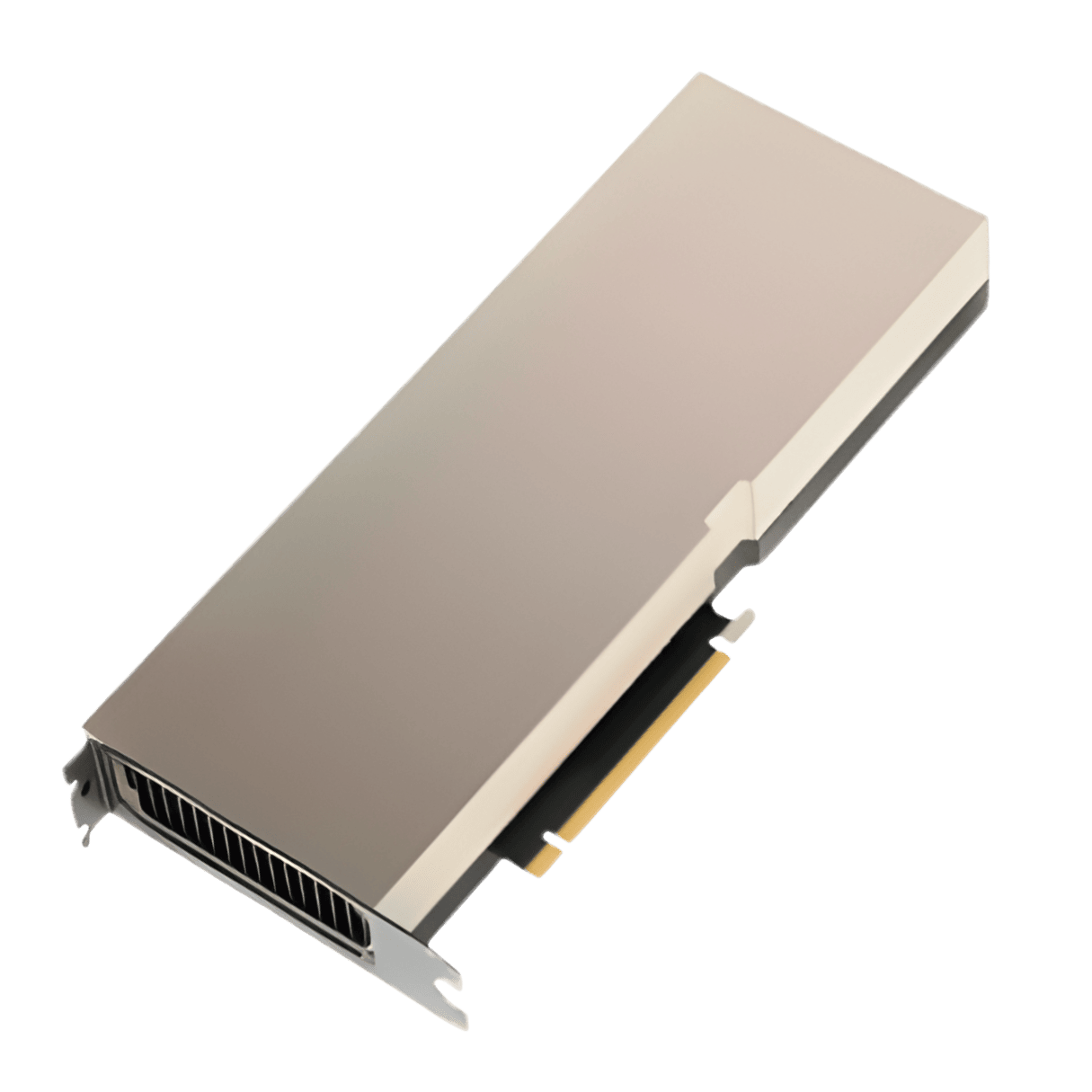
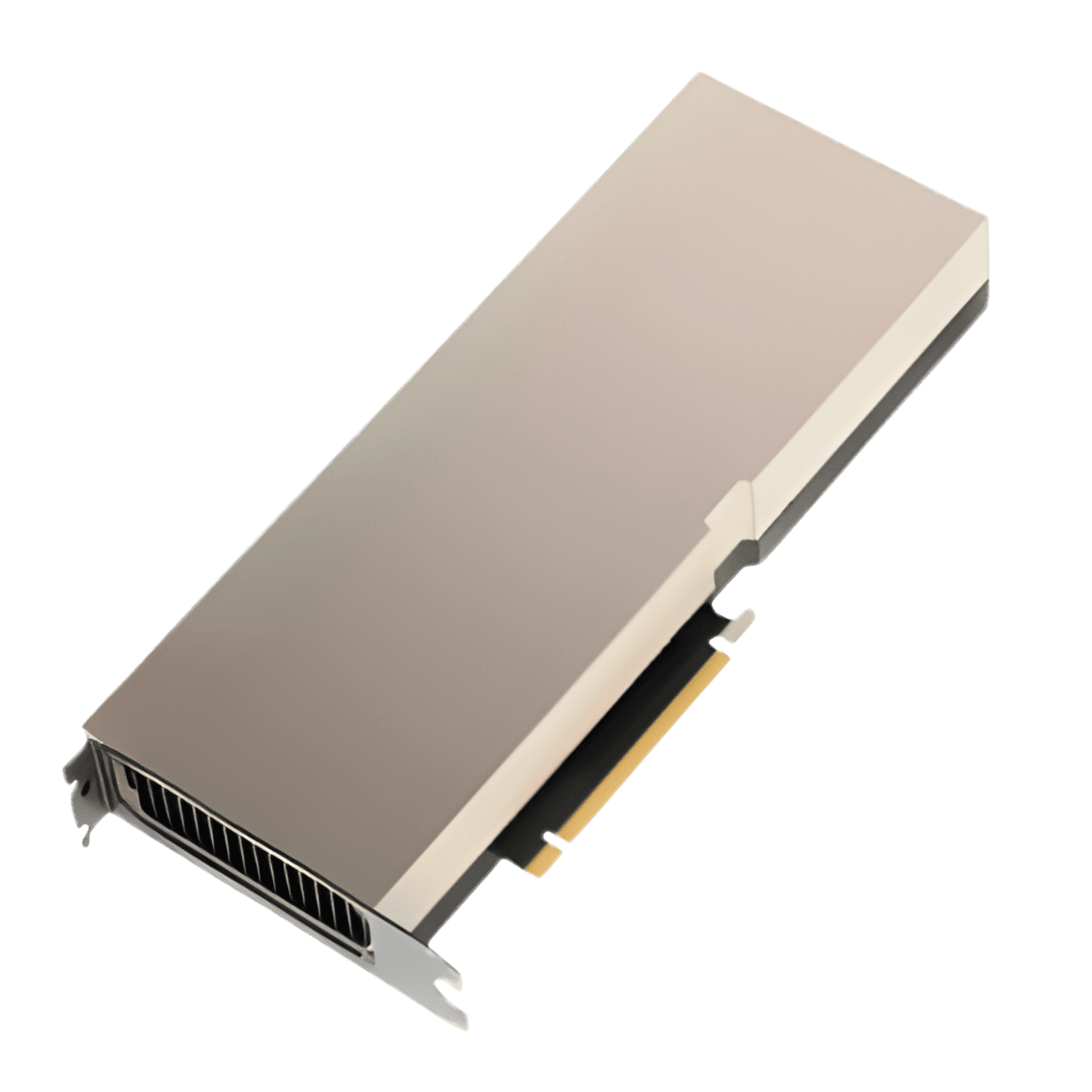
The NVIDIA H200 keeps the Hopper compute of the H100 but pairs it with 141GB of HBM3e at 4.8 TB/s, a 76% capacity and 43% bandwidth increase. For large-model inference, that memory upgrade is transformative.
This guide explains where the H200 doubles throughput, where it is identical to the H100, and how to choose between them for training versus inference.
Key differences at a glance
- SpecH200H100 SXMArchitecture: H200, Hopper; H100, Hopper
- Memory: H200, 141GB HBM3e; H100, 80GB HBM3
- Bandwidth: H200, 4.8 TB/s; H100, 3.35 TB/s
- Compute die: H200, GH100; H100, GH100
- FP8: H200, Identical; H100, Identical
Specifications at a glance
| Spec | H200 | H100 SXM |
|---|---|---|
| Architecture | Hopper | Hopper |
| Memory | 141GB HBM3e | 80GB HBM3 |
| Bandwidth | 4.8 TB/s | 3.35 TB/s |
| Compute die | GH100 | GH100 |
| FP8 | Identical | Identical |
Same compute, bigger memory
Both use the same GH100 die with identical CUDA/Tensor cores and FP8 throughput. The H200’s advantage is purely memory: 76% more capacity and 43% more bandwidth.
Inference gains
For memory-bound LLM serving the H200 is dramatically faster - up to ~2x on Llama2-13B and roughly 40% higher on Llama2-70B. Compute-bound training that fits in 80GB sees little to no change.
Verdict: which should you buy?
Pick the H200 for large-context, memory-bound LLM inference and bigger models per GPU. The H100 remains cost-effective for compute-bound training and workloads that comfortably fit in 80GB.
Total cost, availability and support
Raw benchmarks are only half the story. Street prices, stock levels and lead times for H200 and H100 swing widely with demand and region, and warranty and after-sales support differ from one seller to the next. On GPU Vendors you can compare verified vendors side by side, see transparent pricing and lead times, and buy direct, which often matters more to total cost of ownership than a few percentage points of raw performance.
Which one is right for you?
If your workloads and budget are still growing, favour the option with more memory and longer headroom so you are not forced to upgrade again within a year. If you have a fixed, well-understood workload, the more affordable choice frequently delivers the best value per dollar. Model both against your real requirements, resolution and frame-rate targets for gaming, or model size, batch size and context length for AI, before you commit.
Frequently asked questions
Is H200 worth it over H100?
It depends on your workload and budget. If you regularly hit the limits of H100, whether that is memory capacity, bandwidth or raw throughput, then H200 pays for itself in headroom and longevity. If H100 already covers your needs comfortably, the upgrade is harder to justify on performance alone.
Will H100 still be supported?
Yes. Both options continue to receive driver and software support, so H100 remains a viable choice and is often the better value on the used and clearance market.
Where can I compare prices for H200 and H100?
Use the GPU Vendors comparison tool to line up full specs and live prices from verified sellers, then buy direct from the vendor with the best price and lead time.
Prices and availability change constantly. Compare live offers from verified sellers and build a side-by-side spec sheet on the GPU Vendors comparison tool.